How to Maintain Your Cordless Drill: Expert Tips for Longevity
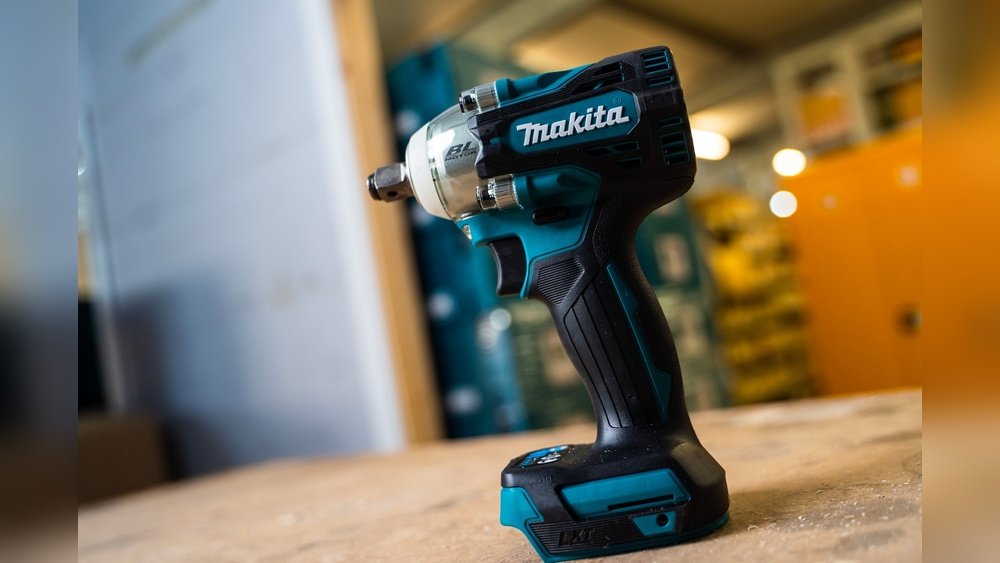
Your cordless drill is more than just a tool—it’s a reliable partner for countless projects. But without proper care, it can lose power, wear out faster, or stop working altogether.
You want your drill to perform like new every time you pick it up. That’s why knowing how to maintain your cordless drill is essential. You’ll discover simple, practical tips to keep your drill running smoothly and extend its life.
Keep reading, and you’ll never worry about your drill letting you down again.
Cleaning Your Drill
Cleaning your cordless drill keeps it working well for a long time. Dirt and dust can cause problems inside the drill. Regular cleaning helps avoid damage and keeps the drill safe to use. Simple steps make a big difference in its performance.
Removing Dust And Debris
Start by unplugging the drill or removing the battery. Use a small brush or compressed air to remove dust from vents and crevices. Blow out dirt from the motor area carefully. Avoid using water or liquid cleaners inside the drill.
Cleaning The Chuck
Open the chuck to its widest position. Use a dry cloth or brush to clean between the jaws. Remove any stuck debris or dust that can block the drill bits. This keeps the chuck working smoothly and holds bits tightly.
Wiping Down The Exterior
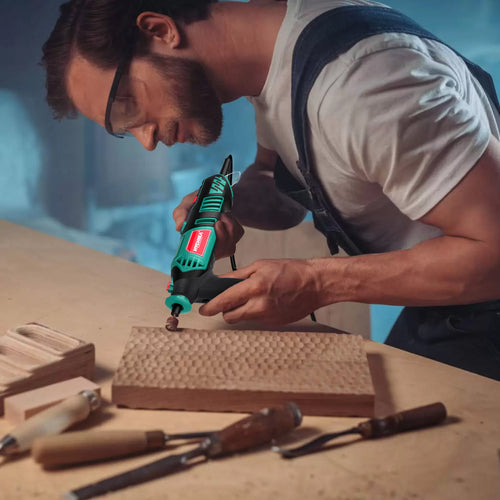
Use a soft cloth slightly dampened with water to wipe the outside. Clean the handle, trigger, and body to remove grease and dirt. Do not spray water directly on the drill. Dry it well with a clean cloth after wiping.
Credit: hychika.com
Battery Care
Battery care is key to keeping your cordless drill ready to work. Good care improves battery life and performance. A well-maintained battery saves money by lasting longer. Follow simple steps for charging, storing, and using batteries correctly.
Proper Charging Techniques
Use the charger that came with your drill. Plug it into a safe power source. Avoid overcharging by removing the battery once fully charged. Charge batteries at room temperature. Avoid charging in very hot or cold places.
Storage Tips For Batteries
Store batteries in a cool, dry place. Keep them away from direct sunlight and moisture. Remove batteries from the drill if you won’t use it for weeks. Store batteries partially charged, around 40-60%, for best results.
Extending Battery Life
Use the battery regularly to keep it active. Avoid fully draining the battery before charging. Clean battery contacts with a dry cloth. Avoid dropping or hitting the battery to prevent damage. Replace old batteries when they no longer hold charge well.
Lubrication And Maintenance
Proper lubrication and maintenance keep your cordless drill working smoothly. Dirt and dust can cause parts to wear out faster. Regular care helps your drill last longer and perform better. Follow simple steps to keep the moving parts in good condition.
Applying Lubricants
Use a light machine oil or specific drill lubricant. Apply a small amount to the chuck and gears. Avoid over-lubricating; too much oil attracts dirt. Wipe off excess lubricant with a clean cloth. Lubricate your drill every few months or after heavy use.
Checking Moving Parts
Inspect the chuck, trigger, and battery contacts for smooth movement. Look for signs of rust or stiffness. Clean any dirt or debris gently with a brush. Ensure the parts move freely without resistance. Regular checks prevent damage and keep the drill running well.
Replacing Worn Components
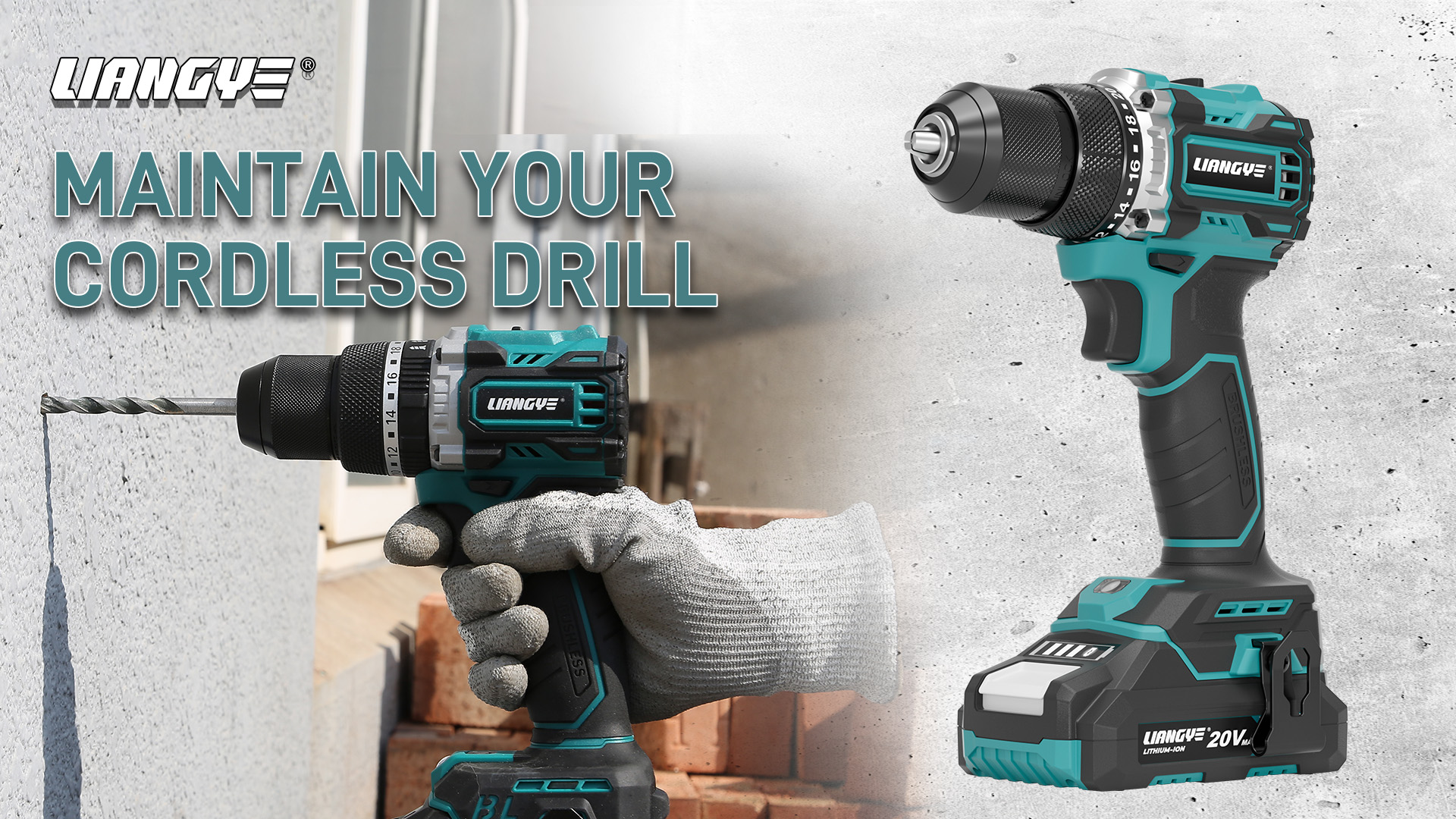
Identify worn or damaged parts early. Replace the chuck if it slips or won’t tighten. Change brushes if the motor runs weak or unevenly. Use parts recommended by the drill’s manufacturer. Replacing worn parts maintains power and safety during use.
Credit: www.wlpower.com
Safe Usage Practices
Safe usage practices keep your cordless drill working well and last longer. Using the drill carefully prevents damage and injury. Follow these simple tips to protect yourself and your tool.
Avoiding Overheating
Overheating can damage the motor and battery. Do not run the drill continuously for too long. Take breaks between uses to let it cool down. Watch for any smell or smoke. Stop immediately if the drill gets very hot.
Using Correct Drill Bits
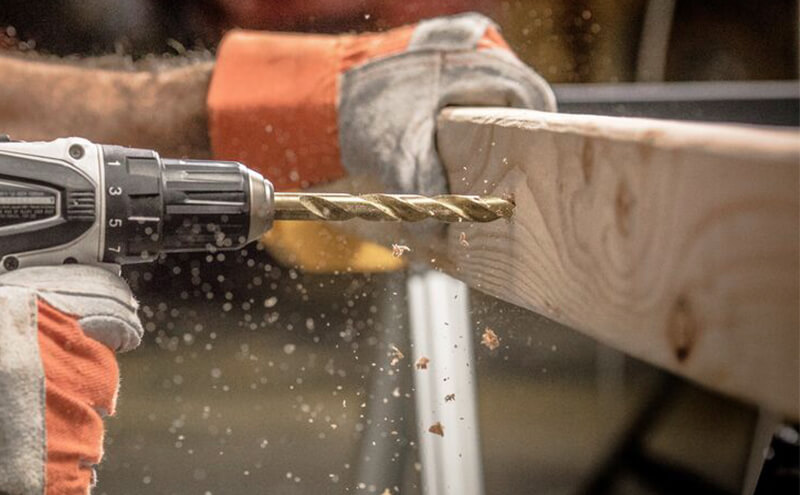
Use drill bits made for your cordless drill. Wrong bits cause poor performance and can break. Match the bit size to the screw or hole size. Check bits for damage before use. Replace dull or bent bits to avoid accidents.
Handling And Storage
Hold the drill firmly during use. Keep fingers away from the spinning bit. Store the drill in a dry, cool place. Avoid leaving it in direct sunlight or damp areas. Charge the battery before long storage for best results.
Troubleshooting Common Issues
Maintaining a cordless drill means solving small problems fast. Troubleshooting common issues helps keep your drill working well. It saves time and money. This section covers easy fixes for common drill problems.
Drill Not Starting
Check the battery first. A dead or loose battery often stops the drill. Remove the battery, charge it fully, and reattach it firmly. Look at the trigger switch for dirt or damage. Clean or replace the switch if needed. Sometimes, the motor brushes wear out and need replacement.
Reduced Power Output
Low power often comes from a weak battery. Charge the battery completely or try a different one. Clean the drill’s vents to avoid overheating. Dirt inside the drill can reduce power. Also, check the drill bit. A dull or stuck bit can make drilling harder.
Unusual Noises
Strange sounds can mean worn gears or bearings. Stop using the drill if noises get worse. Open the drill case to inspect parts. Lubricate gears if they are dry. Replace damaged gears or bearings for smooth operation. Sometimes, debris inside the drill causes noise. Clean the inside carefully.
Credit: www.bison-machinery.com
When To Seek Professional Help
Knowing when to seek professional help is important for keeping your cordless drill working well. Some problems need expert care to avoid more damage. Acting too late can lead to costly repairs or a broken drill. Recognizing the right time to get help saves money and stress.
Signs Of Major Damage
Listen for strange noises like grinding or clicking. These sounds often show serious internal issues. Look for smoke or burning smells. These indicate electrical problems that need quick attention. If the drill stops working suddenly or won’t start, it might have a broken motor or wiring. Loose parts or cracks in the drill body also signal big trouble. These signs mean it is time to visit a professional.
Authorized Service Centers
Use only authorized service centers for repairs. They have trained technicians who know your drill model. These centers use original parts that fit perfectly. Repairs done here keep your drill safe and reliable. Avoid cheap repair shops that might cause more harm. Check the manufacturer’s website to find a nearby authorized center.
Warranty Considerations
Check your drill’s warranty before any repair. Some repairs may be free if the drill is still covered. Opening or fixing the drill yourself can void the warranty. Always follow the warranty rules to protect your investment. Contact the manufacturer if you are unsure about warranty claims.
Frequently Asked Questions
How Often Should I Clean My Cordless Drill?
Clean your cordless drill after every use. Wipe it with a dry cloth to remove dust and debris. Regular cleaning prevents damage and ensures optimal performance. Avoid using water or harsh chemicals to protect the internal components.
What Is The Best Way To Store A Cordless Drill?
Store your cordless drill in a cool, dry place. Keep it in its case to avoid dust buildup. Remove the battery if not in use for long periods. Proper storage extends battery life and prevents rust or damage.
How Can I Extend My Cordless Drill Battery Life?
Charge the battery fully before first use. Avoid overcharging or letting the battery drain completely. Store batteries in a cool, dry area. Use the drill regularly to maintain battery health. These steps help maximize battery lifespan and performance.
When Should I Replace My Cordless Drill Battery?
Replace the battery if it no longer holds a charge or drains quickly. Also, consider replacement if the drill loses power during use. Using a worn-out battery can reduce efficiency and damage the drill. Always buy compatible batteries from trusted brands.
Conclusion
Taking care of your cordless drill extends its life and saves money. Clean it after use to keep dust and dirt away. Charge the battery fully and store it in a dry place. Check parts regularly to spot any wear or damage.
Handle your drill gently to avoid unnecessary problems. These small steps keep your tool ready for any job. Maintenance is simple but important. Keep your drill working well for years.

Michael Harris is an experienced woodworker and power tool expert with over 12 years in woodworking. Specializing in functional, high-quality furniture, he offers expert advice on tool selection, maintenance, and sharpening for both beginners and professionals.