
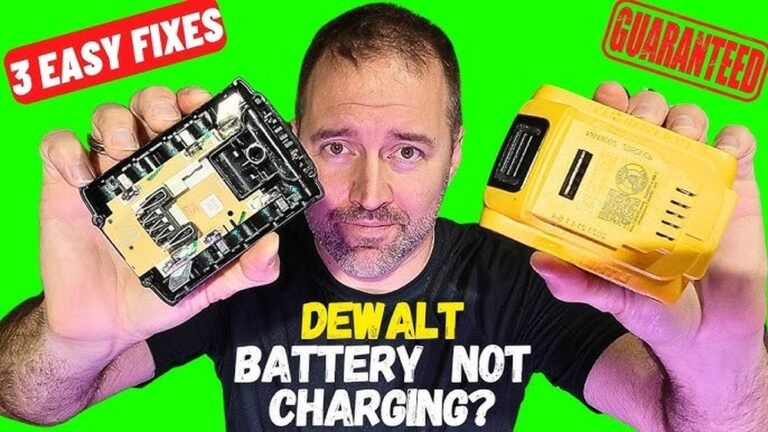
Is your battery charger suddenly not working? It can be frustrating when your devices won’t power up, and you’re left wondering what went wrong.
But before you rush to buy a new one, there are simple fixes you can try yourself. In this guide, you’ll discover easy steps to troubleshoot and repair your battery charger. By the end, you’ll know exactly what to do to bring your charger back to life and keep your devices running smoothly.
Keep reading—you’re just a few fixes away from solving the problem!
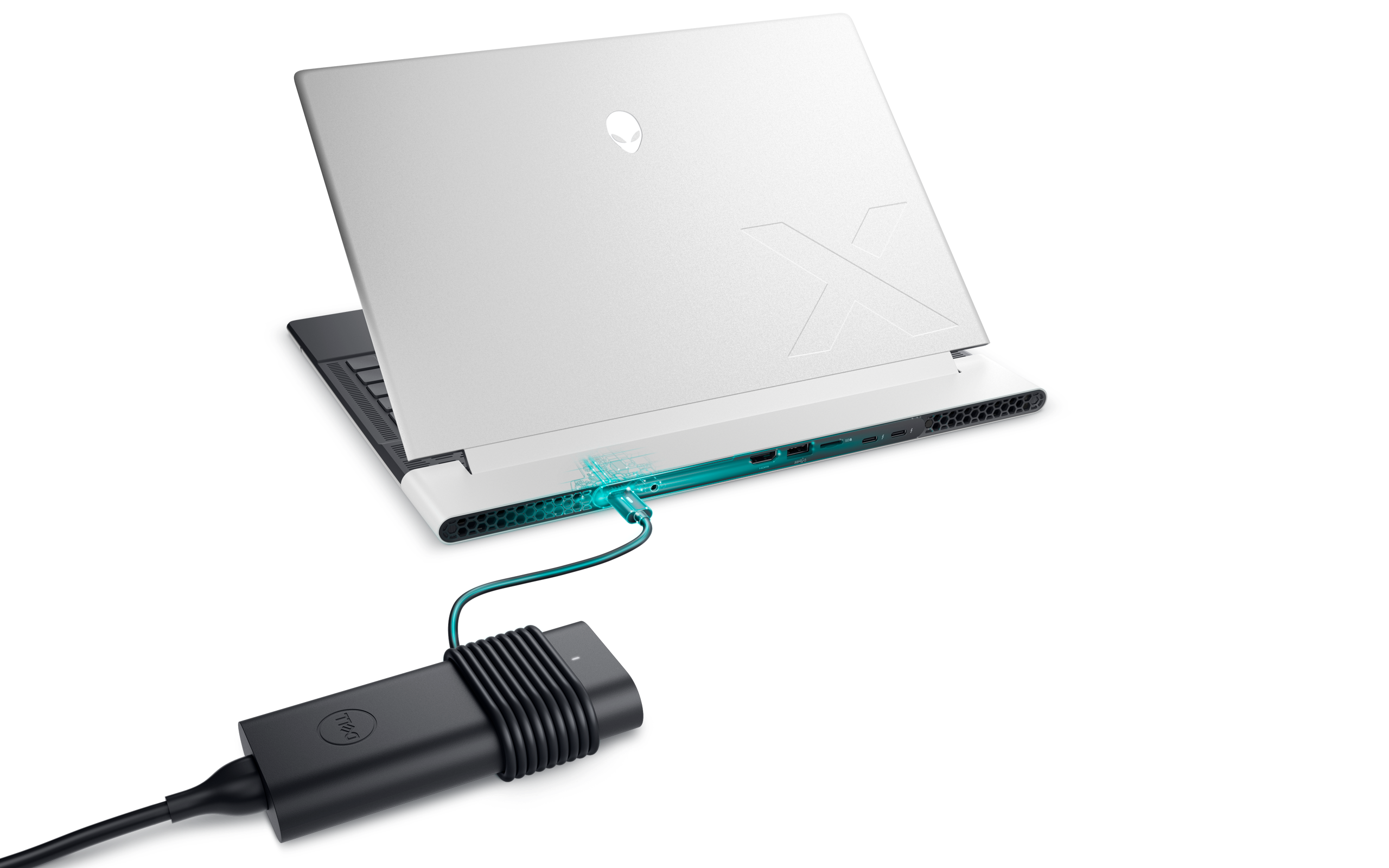
Credit: www.dell.com
Common Charger Issues
Battery chargers can stop working for several common reasons. These issues often prevent your device from charging properly. Knowing what causes these problems helps you fix your charger quickly and safely.
No Power Or Indicator Light
The charger shows no sign of power. No lights turn on. This may happen due to a broken power cable or a faulty plug. Sometimes, the outlet itself has no power. Check the power source first. Try another outlet or use a different cable. A damaged charger circuit can also cause this problem.
Intermittent Charging
The charger works but stops charging suddenly. The connection may be loose or dirty. Dust or dirt in the charging port can block the flow of electricity. The cable might be worn out or broken inside. Moving the cable or device may cause the charging to start and stop. Replace or clean the parts to fix this.
Overheating Problems
The charger or device becomes very hot during use. Overheating can damage the battery and charger. It happens if the charger is used for too long or in a hot place. Poor ventilation or a faulty charger can also cause heat. Unplug the charger and let it cool down. Avoid using chargers that get too hot.
Basic Troubleshooting Steps
When your battery charger is not working, start with basic troubleshooting steps. These steps help find simple problems. They often fix the charger quickly. Follow each step carefully to check your charger and power source.
Check Power Source
First, make sure the power outlet works. Plug another device into the same outlet. Does it turn on? If no, try a different outlet. Sometimes, outlets may be faulty or switched off. Also, check for a power strip or switch connected to the outlet. Ensure it is on and working.
Inspect Charger Cable And Connector
Look closely at the charger cable and connector. Check for any cuts, bends, or damage on the cable. Damaged cables can stop the charger from working. Also, see if the connector fits tightly in the device port. Loose or dirty connectors can block charging. Clean the connectors gently if needed.
Test With Another Device
Try using the charger with another compatible device. This test shows if the charger works or not. If the charger charges the second device, the problem may be your original device. If it doesn’t charge, the charger might be faulty. This step helps narrow down the problem quickly.
Fixing Cable And Connector Problems
Fixing cable and connector problems is a key step to repair a battery charger. Cables and connectors can wear out or get dirty. This causes poor contact and stops charging. Checking these parts often solves the issue quickly. Follow simple steps to clean, repair, or replace them. This keeps your charger working well and safe to use.
Clean Dirty Connectors
Dirty connectors block electricity flow. Dust and grime build up over time. Use a soft cloth or brush to clean them. Isopropyl alcohol helps remove tough dirt. Let connectors dry before reconnecting. Clean connectors improve charging speed and reliability.
Repair Frayed Or Damaged Cables
Frayed cables expose wires and risk short circuits. Check cable length carefully. Cover small damages with electrical tape. For bigger damage, cut the cable and rejoin wires. Use heat shrink tubing for strong protection. Always test the cable before use to ensure safety.
Replace Faulty Connectors
Connectors can break or lose contact over time. Look for bent or corroded pins. Replace connectors with exact matching parts. Use proper tools to remove old connectors. Secure new connectors firmly to avoid loose connections. This step helps maintain steady charging power.
Addressing Internal Charger Faults
Internal faults often cause battery chargers to stop working. These faults may come from the charger’s circuit or small parts inside. Fixing these issues can bring your charger back to life. Careful steps and simple tools help solve most internal problems.
Reset Charger Circuit
Some chargers have a reset button or switch. Press and hold it for a few seconds. This can clear errors in the circuit. If your charger does not have a button, unplug it. Wait a minute, then plug it back in. This simple reset often fixes minor faults.
Replace Blown Fuses
Chargers use fuses to protect against power surges. A blown fuse stops the charger from working. Open the charger case carefully. Find the fuse, usually a small glass tube or metal strip. Use a multimeter to check if it is broken. Replace it with a fuse of the same rating. This can restore power safely.
Check For Loose Components
Loose parts can break electrical connections inside the charger. Open the charger and look for loose wires or parts. Gently press or tighten any loose components. Use a screwdriver to secure screws holding parts in place. This helps maintain a steady flow of power. Loose connections often cause chargers to fail.
Preventive Measures For Longevity
Taking care of your battery charger extends its life and keeps it working well. Small habits make a big difference. Follow these simple tips to protect your charger from damage. Save money by avoiding early replacements. Enjoy reliable charging every time.
Avoid Overheating
Keep your charger in a cool, dry place during use. Avoid covering it with cloth or placing it on soft surfaces. Heat damages internal parts and shortens battery life. Unplug the charger if it feels too hot. Give it time to cool before using again.
Store Properly When Not In Use
Store your charger in a clean, dry spot away from dust. Avoid leaving it in direct sunlight or near heat sources. Coil the cable loosely to prevent wire damage. Proper storage protects the charger from wear and tear. This keeps it ready for your next use.
Use Compatible Chargers
Always use the charger designed for your device model. Different devices need different voltage and current. Using wrong chargers can cause damage or slow charging. Check the label or manual to confirm compatibility. A compatible charger ensures safe and efficient power delivery.

Credit: www.anker.com

Credit: www.youtube.com
Frequently Asked Questions
Why Is My Battery Charger Not Working?
Your charger may have a faulty cable, damaged plug, or blown fuse. Check connections, inspect for visible damage, and test outlet power first.
How Can I Test A Battery Charger At Home?
Use a multimeter to measure output voltage. Compare it with the charger’s rated voltage to confirm if it’s working properly.
What Common Issues Cause Battery Chargers To Fail?
Common issues include damaged wiring, loose connections, dirty terminals, or internal component failure. Regular cleaning and inspection can prevent these problems.
Can A Faulty Battery Affect Charger Performance?
Yes, a damaged or dead battery may prevent charging. Test the battery separately to determine if it needs replacement.
Conclusion
Fixing a battery charger is often simple and saves money. Check cables and connections carefully. Clean any dirt or dust that blocks power. Test the charger with another device to spot problems. Replace parts only when necessary. Always follow safety tips to avoid injury.
Taking small steps can bring your charger back to life. Stay patient and try each solution one by one. Keep your charger in good shape for longer use. This way, you avoid buying new ones often. Easy fixes can make a big difference.

Michael Harris is an experienced woodworker and power tool expert with over 12 years in woodworking. Specializing in functional, high-quality furniture, he offers expert advice on tool selection, maintenance, and sharpening for both beginners and professionals.